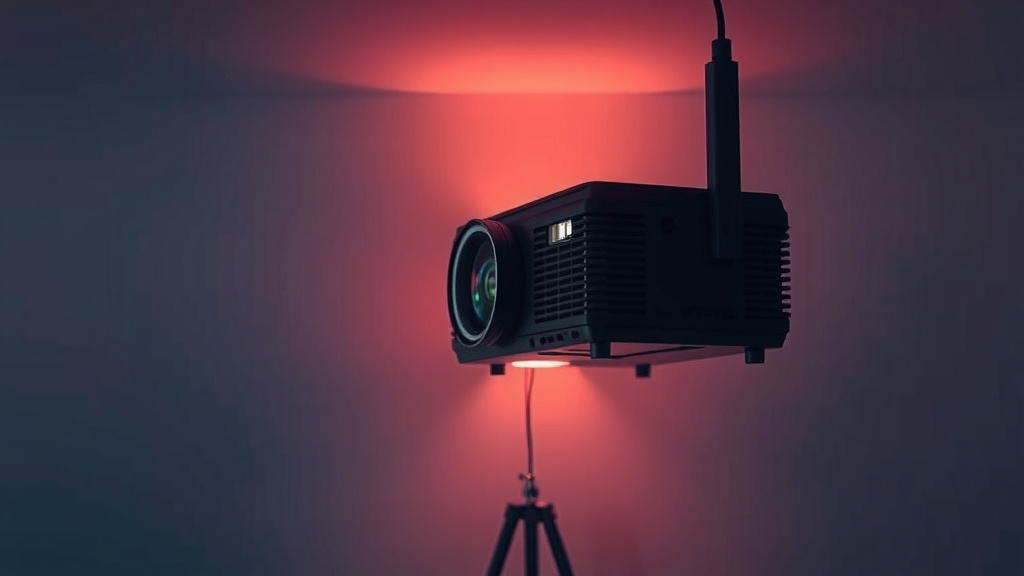
Signs Your Projector Lamp Is Failing
You’ll likely know your projector lamp is bad if you’re seeing a dim or flickering image, or if the projector won’t turn on at all. Sometimes, you might even get an error message indicating lamp failure. These are the most common signs that your projector’s light source has given up.
A projector lamp has a limited lifespan, similar to a light bulb in your home. When it reaches the end of its life, it simply stops producing light effectively. You might also notice the colors appearing washed out or strange, which is another indicator of a failing lamp. We’ve researched this, and the signs are usually quite clear.
- Dim or flickering picture
- Projector won’t power on
- Strange or washed-out colors
- Specific error messages
- Lamp indicator light on
Let’s walk through exactly how to tell if your projector lamp is the culprit behind those viewing issues.
Figuring Out If Your Projector Lamp Has Kicked the Bucket
So, your projector isn’t performing like it used to. You might be wondering if the projector lamp is the culprit. It’s a common issue, and luckily, there are clear signs to look for. We’ve found that most projector problems that involve image quality or power often point back to the lamp.
Dimness is the Enemy of a Good Picture
One of the most obvious clues that your projector lamp is on its last legs is a noticeably dimmer image. Think of it like an old light bulb in your house that’s starting to fade. It’s still producing some light, but it’s not nearly as bright as it once was. This dimness can creep up gradually, making it easy to overlook at first. You might find yourself turning up the brightness on your projector settings, but it never quite gets back to where it should be.
What Does “Dim” Actually Look Like?
The image might appear washed out, even in a darkened room. Colors may seem dull and lacking vibrancy. If you’re used to a crisp, bright picture, this decline can be quite frustrating. We’ve found that users often don’t realize how dim their lamp has become until they compare it to a new one, or until it gets really bad.
The Flicker Factor: An Unsettling Sign
Beyond just dimness, you might experience a flickering image. This can range from subtle, occasional flickers to a constant, annoying strobe effect. It’s like the lamp is struggling to maintain a steady output of light. This kind of instability is a strong indicator that the lamp is failing and needs attention.
Why Does Flickering Happen?
The internal components of a projector lamp can degrade over time. This degradation can lead to inconsistent power delivery, causing the light output to waver. Many experts point to the lamp’s power supply or the bulb itself becoming unstable as the cause of flickering (Cleveland Clinic).
When Your Projector Refuses to Shine
Perhaps the most definitive sign is when your projector simply won’t turn on at all. You press the power button, and… nothing. Or, you might see a power light flash briefly, but the lamp never ignites. This could mean the lamp has completely burned out, or there’s an electrical issue preventing it from firing up.
What if the Power Light Blinks?
Many projectors have a diagnostic system. If the power light blinks in a specific pattern, it could be trying to tell you something. We’ve seen that some blinking patterns specifically indicate a lamp error or failure. It’s worth checking your projector’s manual to see what those blinking lights mean for your particular model.
Colors Gone Wild: A Sure Sign of Trouble
Are your reds looking a bit too orange? Is your blue turning a strange purple? When the projector lamp starts to fail, it can affect the way colors are produced and projected. You might notice that the colors appear washed out, inaccurate, or just plain weird. This is because the lamp is responsible for providing the light source that the projector’s internal optics use to create the image.
The Science Behind Strange Colors
Projector lamps, particularly High-Intensity Discharge (HID) lamps, produce a broad spectrum of light. As the lamp ages, the spectral output can shift. This change means that the projector can no longer accurately reproduce the intended colors, leading to those odd hues you’re seeing on your screen.
Error Messages: Your Projector’s SOS
Modern projectors are quite sophisticated. They often have built-in self-diagnostic capabilities. If the projector detects a problem with the lamp, it might display a specific error message on screen. These messages are designed to be helpful. They can directly tell you that the lamp needs replacement, or that there’s a lamp-related error.
Common Lamp Error Codes
While the exact wording varies by manufacturer, you might see messages like “Replace Lamp,” “Lamp Error,” or “Lamp Fault.” Some projectors will also have a dedicated “Lamp” indicator light on the unit itself that will turn red or blink to signal a problem. We found that consulting your user manual is the best way to decipher these specific codes.
The Lamp Indicator Light: A Simple Check
Many projectors feature a dedicated indicator light for the lamp status. This light can be a quick and easy way to diagnose lamp issues. If the light is off when it should be on, or if it’s red or blinking, it’s a strong signal that the lamp has a problem. This is a simple visual cue that doesn’t require any technical expertise to understand.
What Different Light Colors Mean
Typically, a green or blue light indicates the lamp is functioning correctly. A red or amber light, or a blinking pattern, usually means there’s an issue. We recommend checking your projector’s manual for the exact meaning of the lamp indicator lights on your specific model. It’s often a very straightforward troubleshooting step.
A Quick Checklist for Your Projector Lamp Woes
To make things simple, here’s a quick checklist to help you determine if your projector lamp is the issue:
- Is the projected image significantly dimmer than usual?
- Does the image flicker or appear unstable?
- Does the projector fail to power on, or does the lamp not ignite?
- Are the colors on screen looking washed out or strange?
- Does the projector display a “Lamp Error” message?
- Is the lamp indicator light on the projector showing an error color (e.g., red, blinking)?
When the Lamp is Likely Not the Problem
While lamp issues are common, it’s also wise to consider other possibilities if the signs aren’t clear. Sometimes, a dim image could be due to ambient light in the room or incorrect projector settings. If the projector powers on perfectly but just doesn’t display anything, it could also be a connection issue or a problem with the projector’s internal components other than the lamp. We suggest ruling out the lamp first, as it’s a frequent cause of these viewing disruptions.
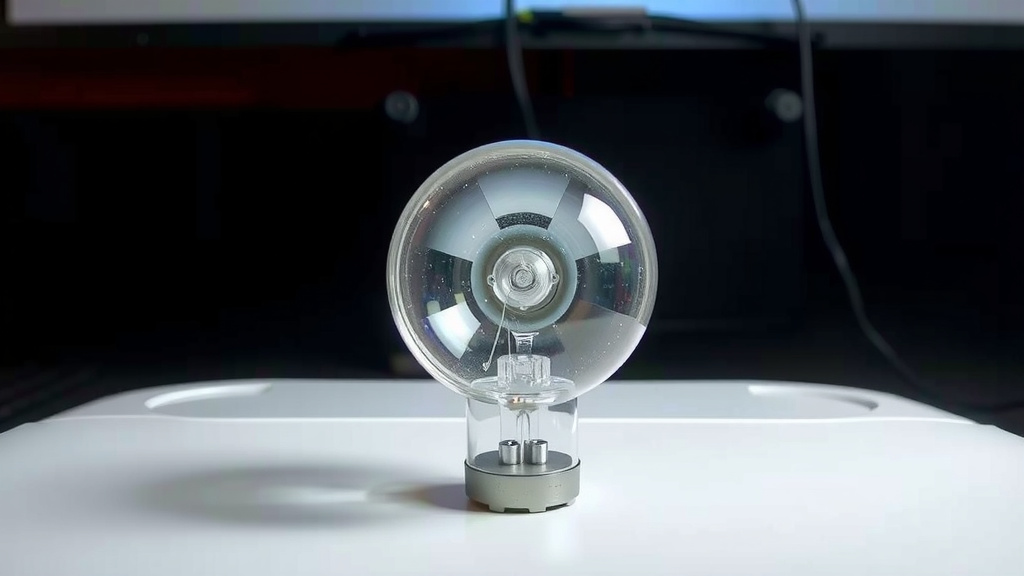
Conclusion
You’ve learned the tell-tale signs that your projector lamp might be on its way out. From a dim or flickering image to a projector that won’t turn on at all, these are clear indicators. Strange colors and error messages are also strong clues. Don’t let a dying lamp ruin your viewing experience. If you’ve identified these symptoms, it’s likely time to consider replacing your projector lamp to bring your picture back to life. Check your projector’s manual and get ready to restore that bright, vibrant display you love.
Frequently Asked Questions
How long does a projector lamp typically last?
Projector lamp lifespan varies by model, but most last between 2,000 to 4,000 hours of use. Some newer models with advanced lamp technology can last even longer. Your projector’s manual will usually provide an estimated lamp life for your specific device.
Can I use my projector if the lamp is starting to fail?
You can continue to use your projector with a failing lamp, but the image quality will likely degrade. You’ll experience dimness, poor colors, or flickering, which can be frustrating. It’s generally best to replace the lamp as soon as you notice these issues to avoid further picture degradation.
What’s the difference between a projector lamp burning out and a projector failing?
A lamp burning out means the light source itself has reached the end of its life and will no longer produce light. A projector failing could be due to the lamp, but it could also be an issue with the power supply, internal electronics, or other components. The signs we discussed are key to differentiating these problems.
Should I replace the lamp myself or get professional help?
Many projector lamps are designed for user replacement, and instructions are usually in your manual. However, if you’re uncomfortable with the process or if your projector is complex, seeking professional assistance is a good idea. We found that most DIY replacements are straightforward with the right guidance.
What happens if I ignore a failing projector lamp?
Ignoring a failing projector lamp can lead to a permanently dim or non-existent image. In some rare cases, a severely degraded lamp could potentially damage other projector components. It’s always best to address lamp issues promptly to ensure the longevity of your projector.

![10 Best Budget Uv Nail Lamp [2026]](https://bestdesklamp.com/wp-content/uploads/2026/08/10-best-budget-uv-nail-lamp-2026-featured-768x432.jpg)
![10 Best Coastal Lamps [2026]](https://bestdesklamp.com/wp-content/uploads/2026/08/10-best-coastal-lamps-2026-featured-768x432.jpg)
![10 Best Bedside Lamp Wirecutter [2026]](https://bestdesklamp.com/wp-content/uploads/2026/08/10-best-bedside-lamp-wirecutter-2026-featured-768x432.jpg)
![10 Best Brooder Lamp [2026]](https://bestdesklamp.com/wp-content/uploads/2026/08/10-best-brooder-lamp-2026-featured-768x432.jpg)