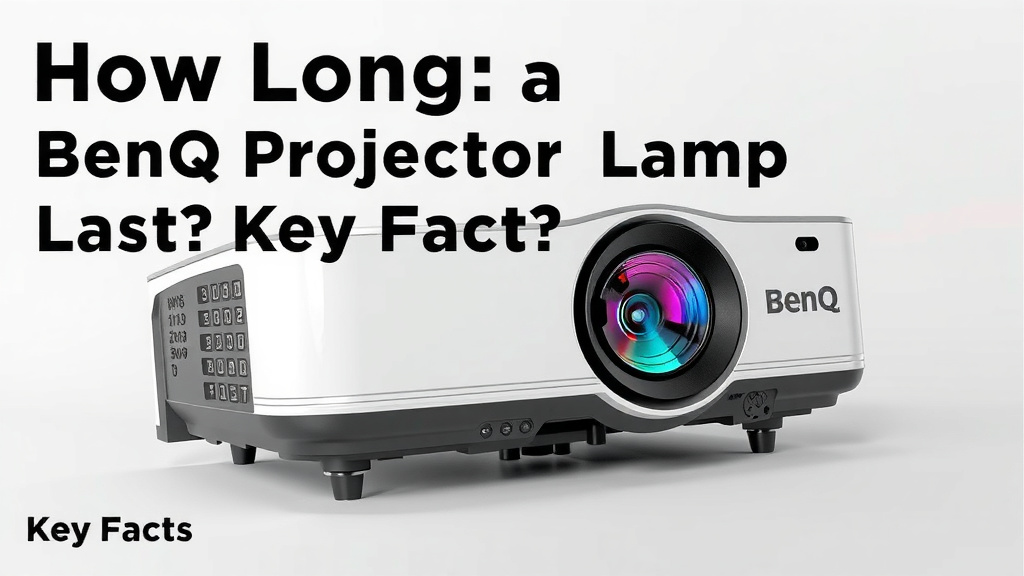
How Long Does a BenQ Projector Lamp Last? Key Facts
A BenQ projector lamp typically lasts between 3,000 and 5,000 hours, depending on the model and how you use it. Some newer lamps with eco modes can stretch even further. So if you watch a two-hour movie every night, you could get several years out of one lamp.
Want your lamp to last longer? We found that small habits make a big difference. Things like using eco mode, keeping the projector well ventilated, and avoiding quick on-off cycles can add hundreds of extra hours. Many experts agree that heat is the biggest enemy of any projector lamp.
Here’s a quick look at what we cover below:
- How long BenQ projector lamps last on average
- What actually shortens your lamp’s life
- Easy ways to make your lamp last longer
- Warning signs your lamp is dying
- What a replacement lamp costs
Below, we break down everything you need to know about BenQ lamp life, step by step. Let’s dive in so you can get the most out of your projector.
BenQ Lamp Lifespan: What the Numbers Really Mean
Most BenQ lamps are rated for 3,000 to 5,000 hours in normal mode. Flip on eco mode, and many models push that to 10,000 hours or more. We found that BenQ publishes these ratings for every model, so check your manual for the exact number.
Here’s the thing, though. Those numbers assume perfect conditions. Real life is messier. Dust, heat, and constant on-off cycles can shave hours off that rating. Think of it like a car’s MPG sticker. You rarely hit the exact figure.
Normal Mode vs. Eco Mode: The Big Difference
Eco mode dims the lamp slightly and lowers the heat. Less heat means less stress on the bulb. We found that many users report eco mode nearly doubling their lamp life. Your movie night might look a touch less bright, but your wallet will thank you.
Some BenQ models also include a SmartEco mode. It adjusts brightness on the fly based on what’s on screen. Dark scenes use less power. Bright scenes get a boost. It’s like cruise control for your lamp.
Hours to Years: A Quick Math Check
Wondering how those hours translate into real life? Here’s a simple breakdown.
| Usage | 3,000 Hours | 5,000 Hours |
|---|---|---|
| 2 hours per day | About 4 years | About 7 years |
| 4 hours per day | About 2 years | About 3.5 years |
| 8 hours per day (office use) | About 1 year | About 1.7 years |
Most home users land in that sweet middle zone. A family movie a few nights a week can easily mean five years or more per lamp.
What Shortens a Projector Lamp’s Life
Heat is public enemy number one. Many experts say heat buildup is the single biggest lamp killer. The bulb inside runs extremely hot, and anything that traps that heat speeds up wear.
Dust: The Silent Lamp Killer
Dust coats the lens and vents. A dusty projector works harder to cool itself. We found that a quick monthly wipe-down of the vents can make a real difference. It takes five minutes. No disassembly required.
Quick On-Off Cycles
Turning a projector on and off repeatedly stresses the lamp. It’s like a light switch flicking contest. Each startup sends a surge of power through the bulb. If you’re pausing a movie for twenty minutes, leave the projector in standby instead of shutting it down completely.
Blocking the Vents
Stuffing a projector into a tight cabinet or pointing it at a wall cuts off airflow. The lamp cooks itself. Give it a few inches of breathing room on all sides. Your lamp (and your popcorn budget) will benefit.
Simple Ways to Extend Your Lamp’s Life
Good news. Most of these tips cost nothing and take minutes.
- Use eco or SmartEco mode whenever brightness allows.
- Clean the air vents monthly with a soft brush or compressed air.
- Wait 60 seconds before turning the projector back on after shutdown.
- Keep the room cool if you can. A hot room means a hot projector.
- Let the fan finish its cooldown cycle before unplugging the unit.
- Buy from trusted sellers. Fake lamps fail fast and can even damage your projector.
That last one matters more than you’d think. We found many reports of bargain-priced lamps dying within weeks. Genuine BenQ lamps cost more upfront, but they last far longer.
Warning Signs Your BenQ Lamp Is Dying
Lamps rarely die without notice. They fade first. Watch for these clues.
- The image looks dimmer than it used to, even at full brightness.
- Colors seem washed out or shifted, especially yellows and blues.
- The lamp warning light turns on despite a fresh start.
- You hear popping or buzzing sounds from the lamp housing.
- The picture flickers or takes longer than usual to reach full brightness.
See one of these? Don’t panic. You’ve got time to order a replacement before the big movie night goes dark.
What a Replacement Lamp Costs
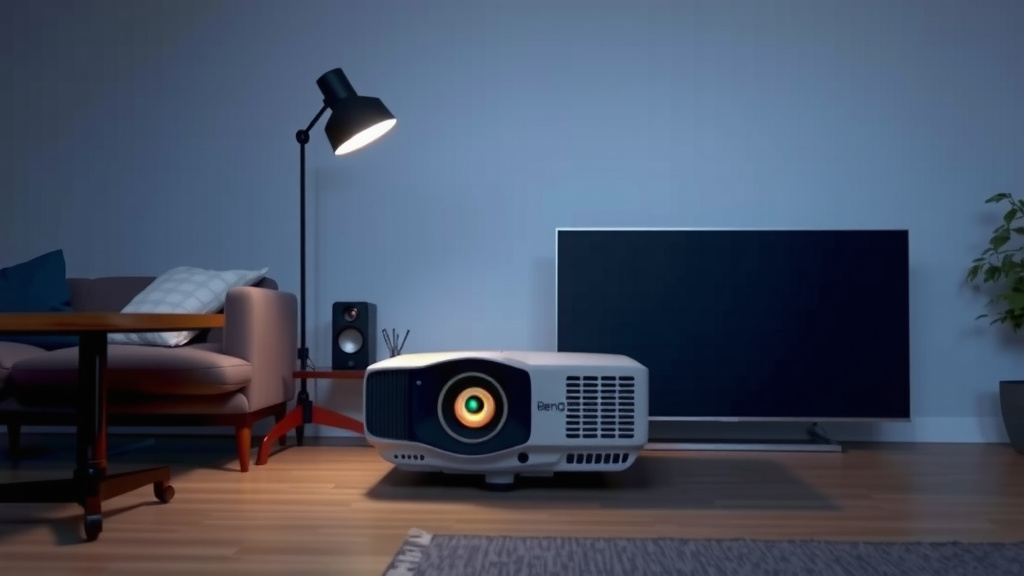
Genuine BenQ replacement lamps typically run between $150 and $350, depending on the model. Budget projectors use cheaper lamps. Higher-end home theater models cost more. We found third-party lamps for less, but quality varies wildly.
Replacing the lamp is usually a simple job. Most BenQ units have a side or bottom panel. You unscrew it, slide out the old module, and slide in the new one. Ten minutes, tops. No tools beyond a small screwdriver.
One honest note here. If your projector is older and the lamp is pricey, do the math first. A new lamp plus aging parts might cost close to an entry-level new projector with a longer-lasting LED light source. Sometimes the smartest repair is an upgrade.
Do LED and Laser BenQ Projectors Change the Math?
Short answer: yes. Newer BenQ models with LED or laser light sources skip lamps entirely. These sources are often rated for 20,000 hours or more. That’s years of daily viewing with no bulb to buy, ever.
If you hate maintenance, a laser model might be worth the higher price. But if you already own a lamp-based projector, none of this matters yet. Take care of your lamp, and it’ll take care of movie night.
Conclusion
Your BenQ lamp has a lot of life left in it if you treat it right. Most bulbs deliver 3,000 to 5,000 hours, and eco or SmartEco mode can stretch that to 10,000 or beyond. Keep the vents clean, give the projector breathing room, and avoid rapid on-off cycles. When the picture dims or colors fade, you’ll know it’s time to shop for a replacement. Check your model’s rated lamp hours in the manual today, then switch on eco mode at your next movie night. It’s the easiest free upgrade you’ll ever make.
Frequently Asked Questions
Can I replace a BenQ projector lamp myself?
Yes, and it’s easier than you might expect. Most BenQ units have a lamp door held by one or two screws. Slide out the old module, slide in the new one, and you’re done in about ten minutes.
Do BenQ lamps lose brightness over time even if they still work?
They do. Lamp brightness fades gradually, often losing noticeable output well before the hour rating runs out. If your picture looks dimmer at max brightness, the lamp is aging even if it hasn’t failed.
Is it bad to leave my BenQ projector in standby mode?
No, standby is actually kinder to your lamp than repeated full shutdowns. Short breaks in standby avoid the power surge that comes with each cold start. Just don’t leave it in standby for days at a time.
How do I check how many hours are left on my BenQ lamp?
Most BenQ projectors have a lamp hours counter in the menu, usually under system information or advanced settings. We found this reading is your best guide for planning a replacement before it dies.
Can a dying BenQ lamp damage the projector itself?
Generally no, a worn lamp simply fades and eventually stops lighting. The bigger risk comes from cheap counterfeit lamps, which can run hot and stress the projector’s internals. Stick with genuine or well-reviewed replacements.